1. Choose an open event
Open the open events page. Each event shows the role, city, and dates. Open an event to read the brief and the number of days before you apply.
2. Send your interest without logging in
On the event page, fill in the interest form:
- Nickname and email.
- City where you live.
- About you and your experience: briefly describe your skills and the events you have worked.
- Portfolio if you have one, as a PDF or a JPG, PNG, or WebP photo up to 5 MB.
- Availability notes, if any dates need to be discussed.
3. Create an account with the same email
You do not need an account to send your interest. To follow your application, create an account with the same email. Once your email is verified, your interest is linked to your account.
4. Join the selection
The event organiser reviews applications. If your profile fits, you will receive a selection invitation through your account.
5. Check in on the day of the event
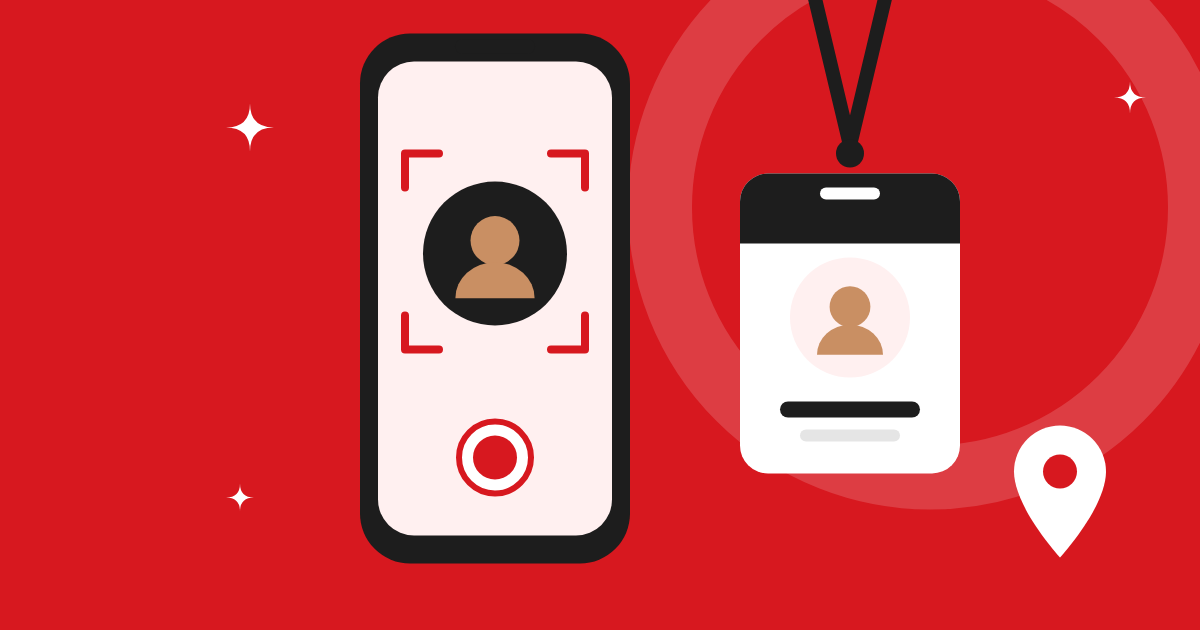
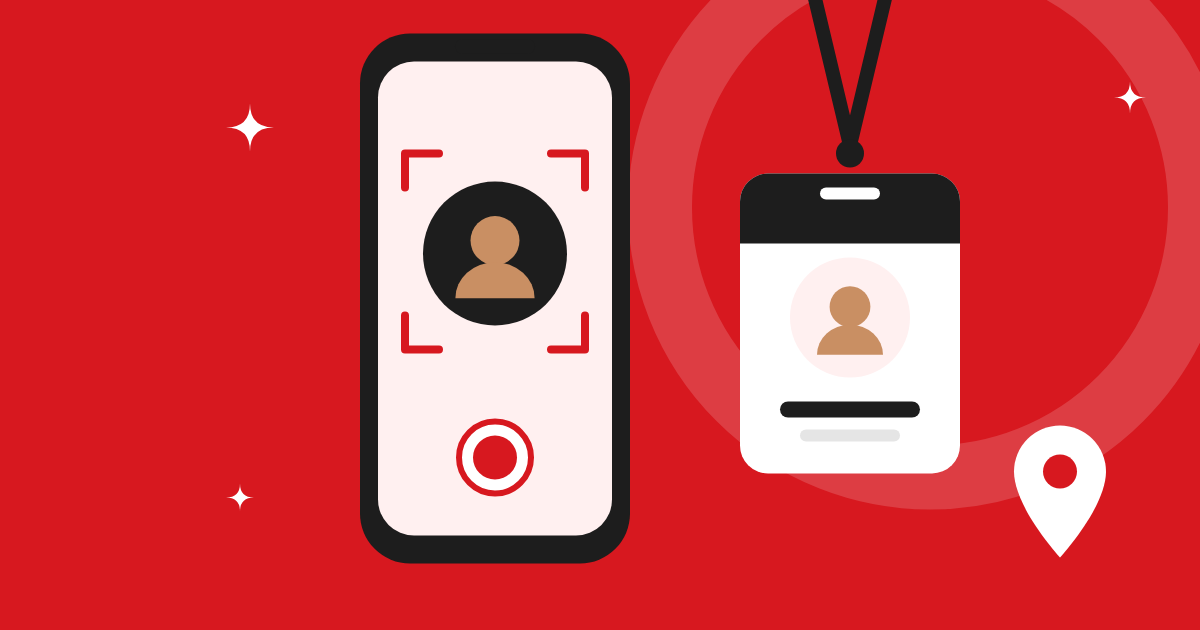
When you check in, you take a selfie live from the camera and share your device's location point. Camera and location permission are requested only at this step. The selfie and location are used to verify attendance and pay.
Tips to get noticed
- Be specific about your experience: event name, role, and your tasks.
- Attach a clear, recent portfolio photo.
- Be honest in the availability notes if you have a schedule clash.